

Mingle + Kimi Code
Kimi Code in every chat app.
Local-first, no server.
Connect Kimi Code running on your own computer to WeChat, Feishu, WeCom, DingTalk, QQ, Slack, Discord, Telegram, GitHub and iMessage—with one memory and zero server.
Quick start
Up and running in a minute.
- 1
Install Mingle on your computer
Launch the Mingle desktop app or install via CLI. Mingle detects Kimi Code on your machine and can install, sign in to, or update it from the console.
- 2
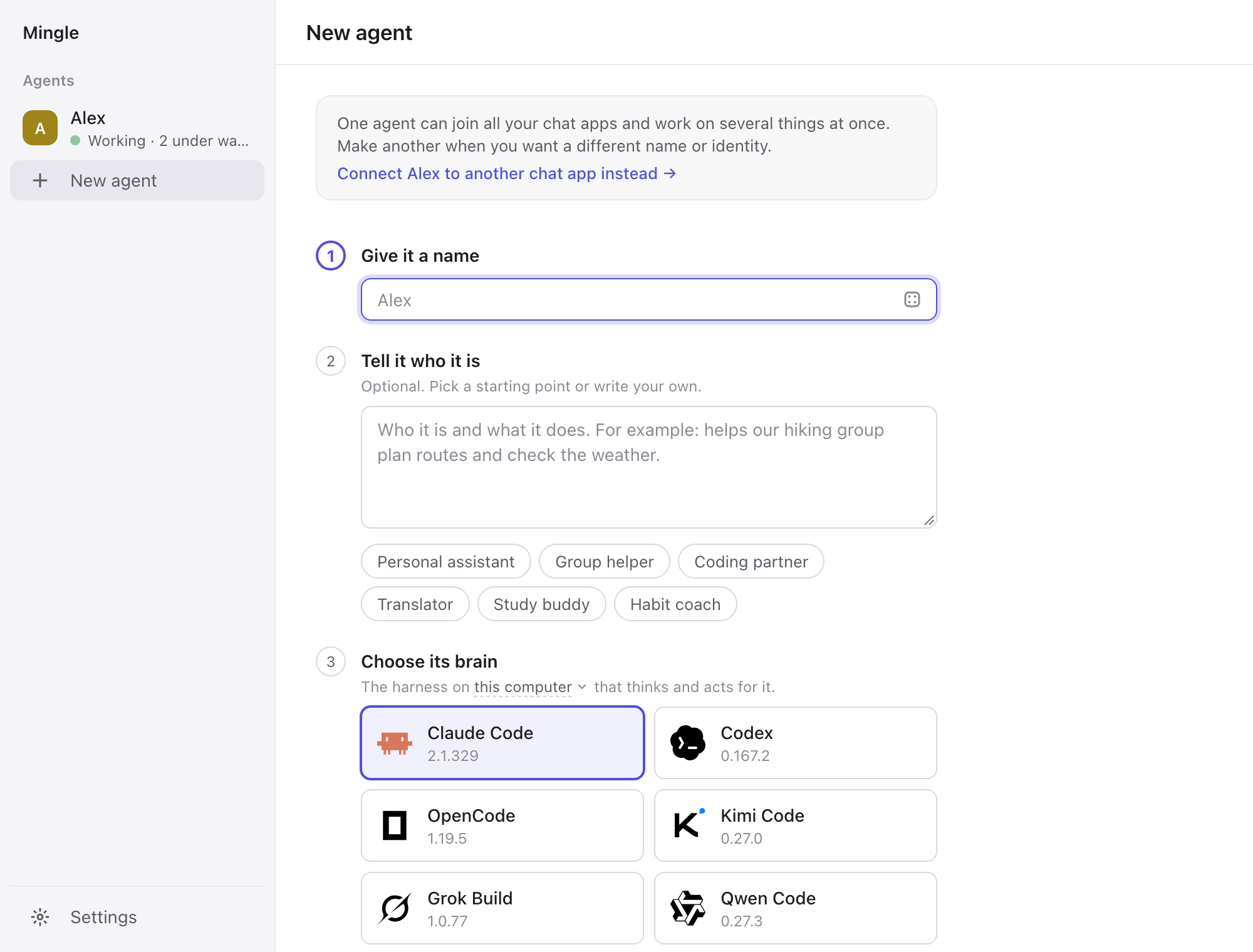
Create an agent powered by Kimi Code
Set a name and role, choose Kimi Code as the harness, and keep its memory in local Markdown files (ROLE.md, MEMORY.md, notes/).
- 3
Scan a QR code to join WeChat, Feishu, WeCom, DingTalk or QQ
Or paste a token for Slack, Discord and Telegram. Your local Kimi Code agent is live in minutes with zero public server.
mingle agent create --name Alex --harness kimi --role "You help with engineering and research."Why Mingle
Local Kimi Code across Chinese and global chat apps.
Native QR-code setup for WeChat, Feishu, WeCom, DingTalk & QQ
Connect official bots in under a minute without configuring public callback URLs, webhooks or reverse proxies.
One Kimi Code agent across work and personal chats
Ask in WeChat what the team decided in Feishu or DingTalk earlier today—it is the same agent sharing one local memory.
Parallel tasks with live progress cards
Feishu and DingTalk stream live progress cards while Kimi Code works on longer coding tasks on the side, leaving quick questions unblocked.
Zero extra billing or cloud relay
Mingle is free and MIT open source. Your Kimi Code credentials, bot tokens and chat context never leave your machine to a Mingle server.
Chat apps
Use it in every chat app you already have.
Connect one or more platforms to the same local agent—one long-lived session and one shared memory across all of them.
Questions
Common questions.
- Is Kimi Code tested end to end with Mingle?
- Yes. Kimi Code is one of Mingle's four end-to-end verified harnesses alongside Claude Code, Codex and OpenCode.
- Can Kimi Code run in both Feishu/WeChat and Slack/GitHub at the same time?
- Yes. One Mingle agent can attach as many chat apps as you want and keeps a single long-lived session and shared memory across all of them.
- Do I need a server to connect Kimi Code to Feishu or WeChat?
- No. Both Feishu (official SDK long connection) and WeChat (official bot long polling) connect outbound straight from your computer.
Other verified harnesses
Switch brains anytime.
Mingle supports 14 coding agent harnesses through OAR and lets each agent choose or change its harness and model anytime.



One agent. Every chat app.
Free and open source, on your own computer. For macOS, Windows and Linux.
See this release's notes for signing details and installation instructions. Release notes →