Mingle for Feishu / Lark
Claude Code & Codex in Feishu.
QR scan, no server.
Scan a QR code with Feishu or Lark to connect your local coding agent over the official SDK long connection. Native threads, live streaming cards, document comments, and no public callback URL.
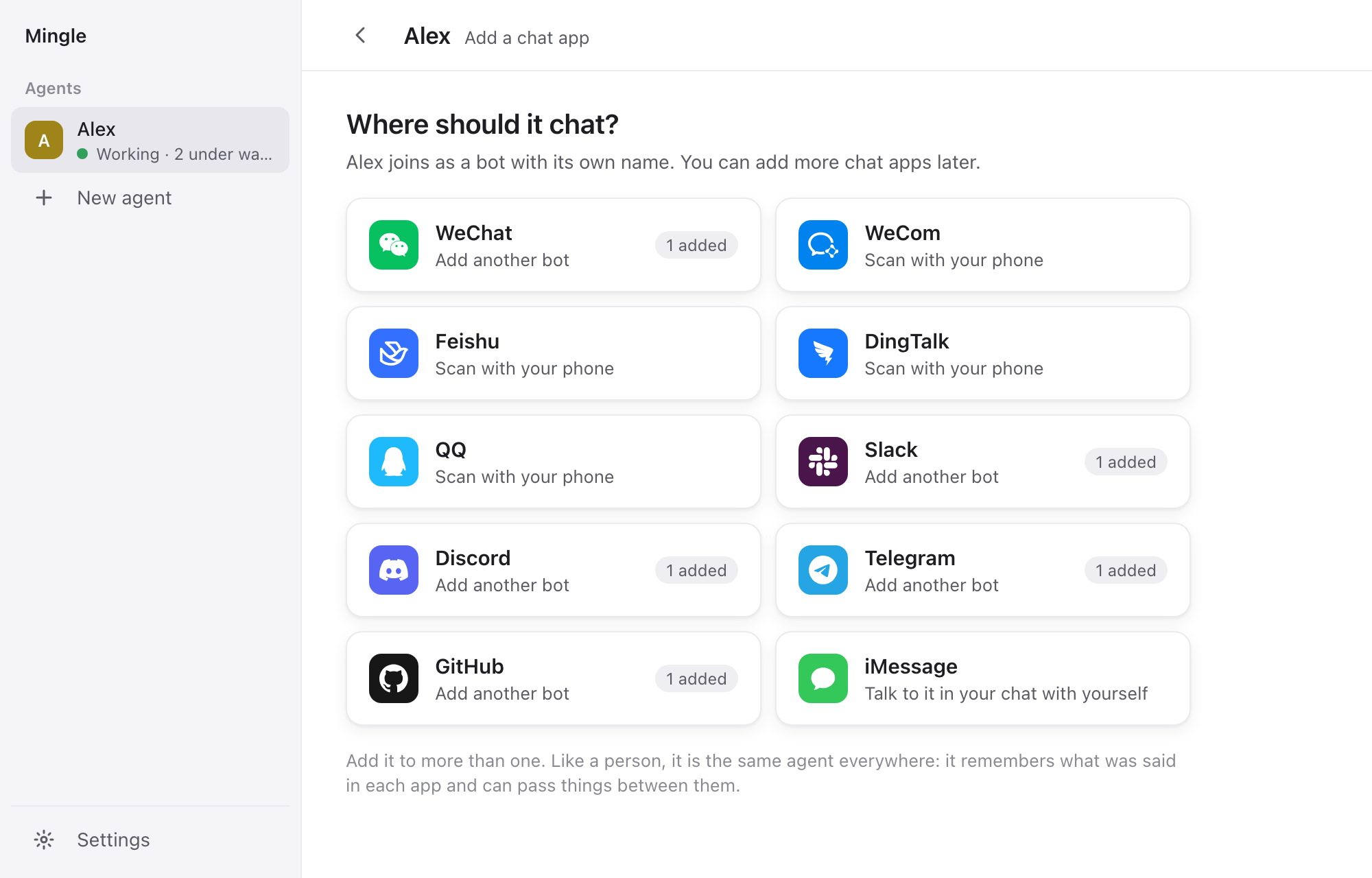
How it connects
Zero cloud server. Minutes to set up.
- 1
Scan the QR code in Mingle
Click Connect Feishu in the Mingle console and scan the QR code with Feishu or Lark on your phone. Official QR app registration sets up the bot without manual webhook wiring.
- 2
Persistent long connection from your machine
Mingle stores the app credentials in your OS keychain and opens an official Feishu persistent connection straight from your computer—no public server or callback URL needed.
- 3
Chat in DMs, groups, threads and docs
Whoever scans the QR code automatically becomes the agent's owner. Mention your agent in group chats, follow progress in live cards and native threads, or @ it in Feishu document comments.
What works
Battle-tested on a live Feishu tenant.
Official QR scan & long connection
No server to deploy, no public callback URL to expose, and no cloud relay sitting between your Feishu workspace and your local coding agent.
Live streaming cards & native threads
Long tasks spin off into native Feishu reply threads with live progress cards while the agent keeps answering quick questions in the main group.
Feishu document comments & files
Respond to comment threads inside Feishu docs, list group members, and send or receive files directly through the official Feishu API.
Cross-app memory with WeChat, Slack & GitHub
Your agent remembers decisions from Feishu groups when you later message it in WeChat, Telegram, Slack or GitHub.
Questions
Common questions.
- Do I need a public server or callback URL for Feishu?
- No. Mingle uses the official Feishu/Lark SDK persistent long connection, so your computer receives events directly without exposing an HTTP endpoint.
- Does Mingle support both Feishu and international Lark?
- Yes. The connector uses the official Feishu/Lark SDK with QR registration and long connection.
- How does owner permission work when I scan the QR code?
- Whoever completes the QR scan becomes the agent's owner automatically. Credentials are saved only in your OS keychain, and Mingle runs locally on 127.0.0.1.
More chat apps
One agent, every chat app.
The same local agent keeps one long-lived memory across every chat app you connect—ask in one app about what happened in another.
See full overview → · Claude Code · Codex · OpenCode · Kimi Code · Security · Compare

One agent. Every chat app.
Free and open source, on your own computer. For macOS, Windows and Linux.
See this release's notes for signing details and installation instructions. Release notes →