Mingle for QQ
Claude Code & Codex in QQ.
QR bind, no server.
Scan with QQ to bind an official QQ bot and run your local coding agent over Tencent's WebSocket gateway. Direct messages, @-mentions in groups, file transfer, and owner approval.
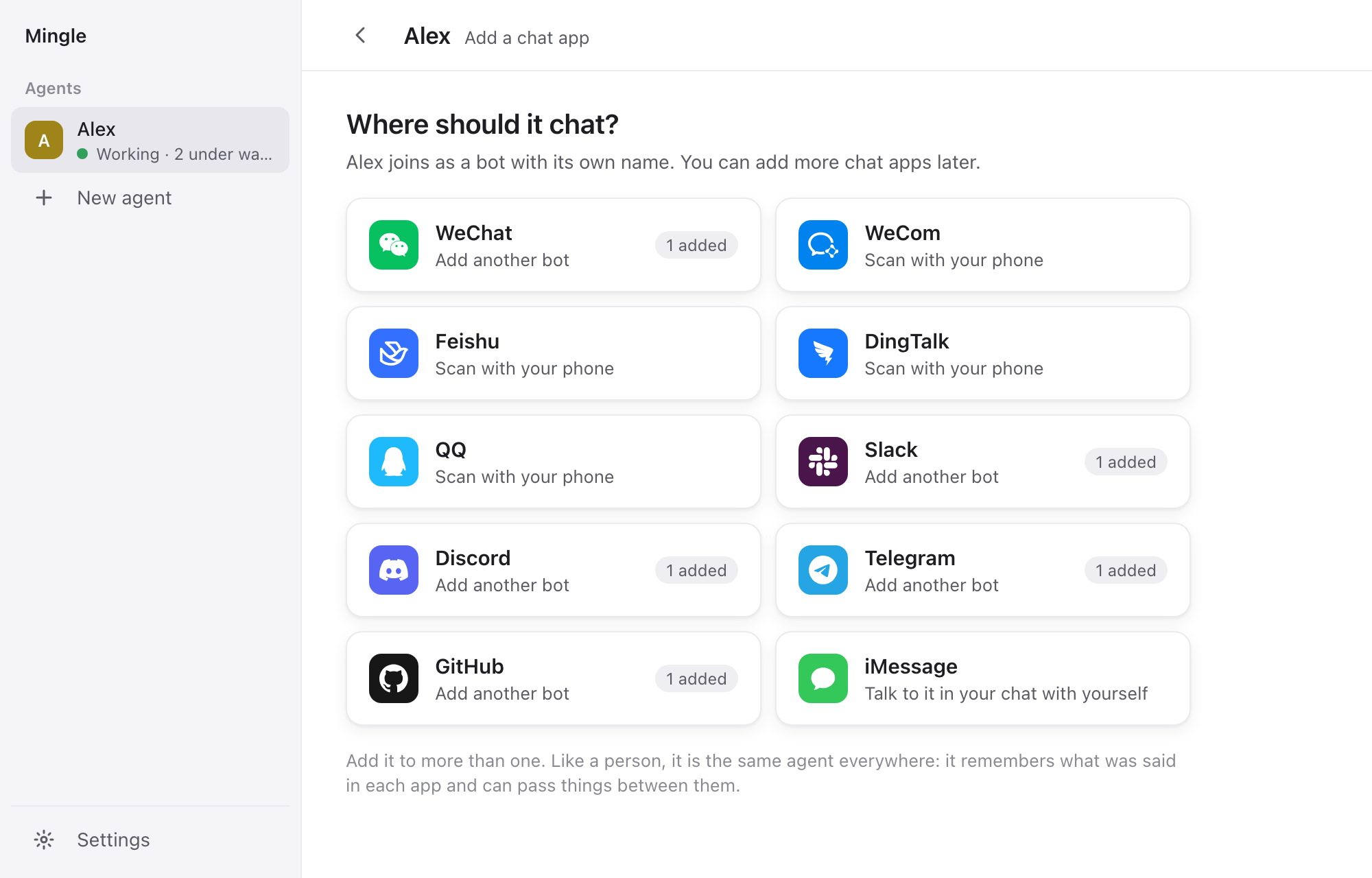
How it connects
Zero cloud server. Minutes to set up.
- 1
Scan to bind an official QQ bot
Select QQ in the Mingle console and scan the QR code with QQ (or enter AppID and AppSecret manually from q.qq.com) to authorize the official bot.
- 2
Connect outbound to the QQ WebSocket gateway
Mingle stores AppID and AppSecret only in your OS keychain and connects over Tencent's official Node SDK gateway—no server or webhook needed.
- 3
Approve who can talk to your bot
Whoever binds the bot (or sends the 6-digit claim code) is the owner. Because QQ bots can be reached publicly, new users and groups wait for your approval before the agent acts.
What works
Official QQ Bot SDK, safely gated by you.
Official Tencent SDKs, zero cloud bridge
Uses Tencent's official qqbot-connector for QR binding and qqbot-nodejs for the WebSocket gateway—running strictly on your computer.
Direct chats and group @-mentions
Chat 1-on-1 with live typing notices or @ your agent in QQ groups. Long messages split automatically to respect QQ's length limits.
Two-way images and files
Send screenshots and attachments from QQ for your local coding agent to inspect, and receive generated files or images back in the chat.
Owner approval for public chats
New people or QQ groups never spend your coding agent's quota until you explicitly approve them in the console or chat.
Questions
Common questions.
- Does Mingle use an unofficial QQ protocol or third-party bridge?
- No. Mingle uses Tencent's official QQ Bot SDKs (@tencent-connect/qqbot-connector and @tencent-connect/qqbot-nodejs) directly from your computer.
- Can strangers use my QQ bot and burn my Claude Code or Codex quota?
- No. On public platforms like QQ, Telegram and Discord, any new user or group waits for the owner's explicit approval before the agent runs a turn.
- Do I need a VPS to keep the QQ bot online?
- No. Mingle runs in your desktop app's menu bar or system tray on macOS, Windows or Linux, connecting outbound over WebSocket with no server required.
More chat apps
One agent, every chat app.
The same local agent keeps one long-lived memory across every chat app you connect—ask in one app about what happened in another.
See full overview → · Claude Code · Codex · OpenCode · Kimi Code · Security · Compare

One agent. Every chat app.
Free and open source, on your own computer. For macOS, Windows and Linux.
See this release's notes for signing details and installation instructions. Release notes →