Mingle for Telegram
Claude Code & Codex in Telegram.
No cloud server.
Turn a standard BotFather bot into your local coding agent in Telegram DMs and groups. Runs on your computer with outbound long polling—no webhook and no Mingle server.
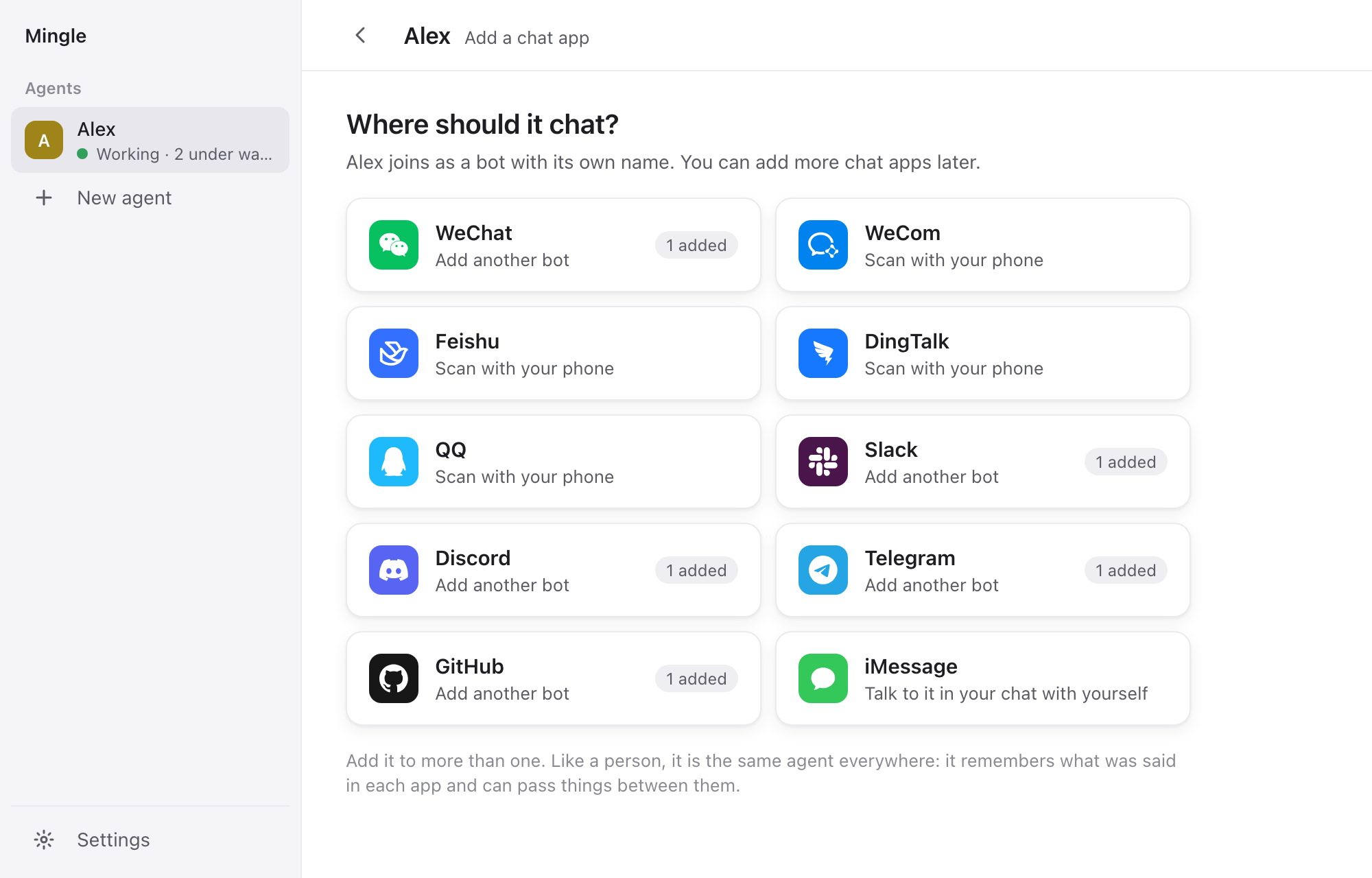
How it connects
Zero cloud server. Minutes to set up.
- 1
Create a bot with @BotFather
Open @BotFather in Telegram, run /newbot, and copy the bot token. If you want the agent to follow group context without @-mentions every time, disable privacy mode in BotFather.
- 2
Connect the token in the console or CLI
Paste the token in the Mingle console, or run echo "$TELEGRAM_BOT_TOKEN" | mingle connect alex telegram. Mingle saves it to your OS keychain and starts long polling.
- 3
Message your bot to claim ownership
Send your bot the 6-digit claim code (or first DM). After that, any new person or group that finds your bot waits for your OK before the agent works for them.
What works
Fast on mobile, private on your machine.
Long polling, zero webhook setup
Mingle polls the official Telegram Bot API directly from your computer. No domain, no TLS certificate, no reverse proxy, and no hosted bridge.
Strangers wait for your approval
Telegram bot usernames are public, so Mingle holds requests from unfamiliar people or groups until you approve them as the owner.
Reactions, quote replies and files
Your agent reacts while working, quotes the exact message it is answering, shows typing status, and exchanges files directly in Telegram.
Scriptable from the terminal
Create an agent and bind Telegram in two shell commands, or manage everything from the local web console on 127.0.0.1.
Questions
Common questions.
- Do I need a webhook URL to connect a Telegram bot to Claude Code?
- No. Mingle uses Telegram Bot API long polling over outbound HTTPS, so it works behind home Wi-Fi, NAT or a firewall with zero server setup.
- Can I add my Mingle Telegram bot to group chats?
- Yes. Add the bot to any Telegram group and approve the group as owner. You can @-mention the agent or call it by name, and it handles multiple tasks in parallel without blocking the room.
- Is my Telegram bot token stored in plain text?
- No. Mingle stores bot tokens in the macOS Keychain, Windows DPAPI or Linux Secret Service—never in the SQLite database, logs or API responses.
More chat apps
One agent, every chat app.
The same local agent keeps one long-lived memory across every chat app you connect—ask in one app about what happened in another.
See full overview → · Claude Code · Codex · OpenCode · Kimi Code · Security · Compare

One agent. Every chat app.
Free and open source, on your own computer. For macOS, Windows and Linux.
See this release's notes for signing details and installation instructions. Release notes →