Mingle for WeCom
Claude Code & Codex in WeCom.
QR scan, no server.
Scan once with WeCom to create an official intelligent bot and connect your local coding agent over WebSocket. Streaming live replies, group chats, and files—with zero cloud server.
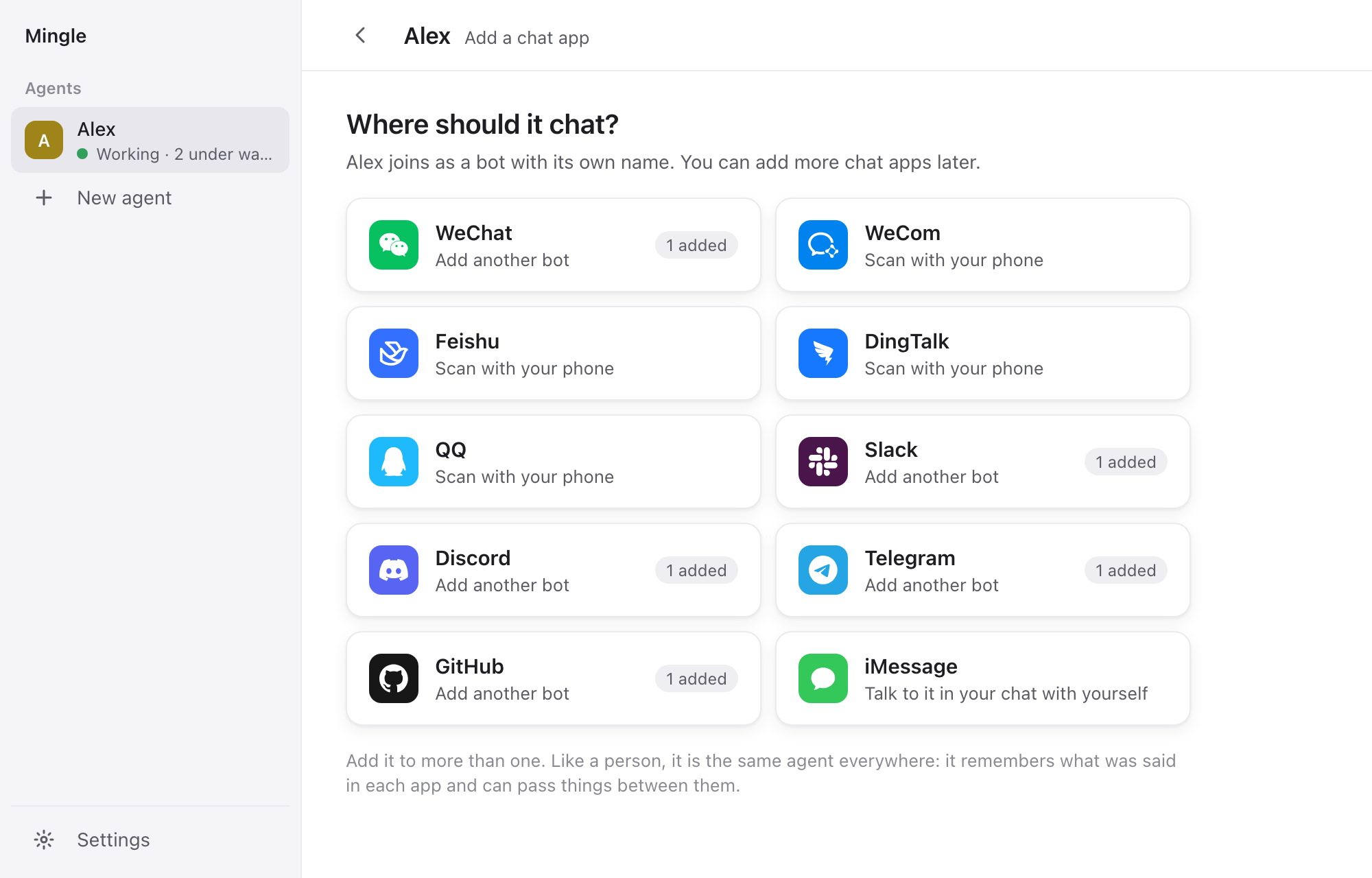
How it connects
Zero cloud server. Minutes to set up.
- 1
Scan the QR code with WeCom
Pick WeCom in the Mingle console and scan the code on your phone to create and authorize an official WeCom intelligent bot—no public callback URL needed.
- 2
Connect outbound over the official WebSocket SDK
Mingle saves the bot credentials only in your OS keychain (macOS Keychain, Windows DPAPI or Linux Secret Service) and opens an outbound WebSocket directly from your machine.
- 3
DM or @-mention your agent in WeCom groups
Whoever scans the code becomes the owner. Ask questions directly or @ the bot in team groups and watch answers stream in live as your local agent works.
What works
Built for WeCom DMs and team groups.
Official intelligent bot WebSocket, zero server
Uses the official WeCom AI bot Node SDK over an outbound WebSocket from your computer—no public webhook domain, no reverse proxy, and no Mingle relay.
Streaming live replies
Replies stream directly into the WeCom message while your agent thinks and runs tools, then hand over cleanly to a follow-up message if a task runs long.
Direct chats, group chats and two-way files
Works in 1-on-1 chats and WeCom groups, with quote replies and encrypted image/file download and upload handled locally.
Shared memory across WeCom, WeChat & GitHub
Connect the same local agent to WeCom, WeChat, Feishu, Slack or GitHub so it remembers work context everywhere with one ROLE.md and MEMORY.md.
Questions
Common questions.
- Do I need a public IP or callback URL to connect WeCom?
- No. Mingle uses the official WeCom intelligent bot WebSocket SDK, so your computer initiates the connection outbound without exposing any HTTP endpoint.
- Does WeCom support both direct messages and group chats?
- Yes. You can message the bot directly or add it to WeCom groups, with streaming replies and two-way file and image support.
- Where are my WeCom credentials and company chat data stored?
- Bot credentials are stored only in your OS keychain, and Mingle runs locally on 127.0.0.1 with no Mingle server or telemetry.
More chat apps
One agent, every chat app.
The same local agent keeps one long-lived memory across every chat app you connect—ask in one app about what happened in another.
See full overview → · Claude Code · Codex · OpenCode · Kimi Code · Security · Compare

One agent. Every chat app.
Free and open source, on your own computer. For macOS, Windows and Linux.
See this release's notes for signing details and installation instructions. Release notes →