Mingle for GitHub
Claude Code & Codex in GitHub.
@mention in issues & PRs.
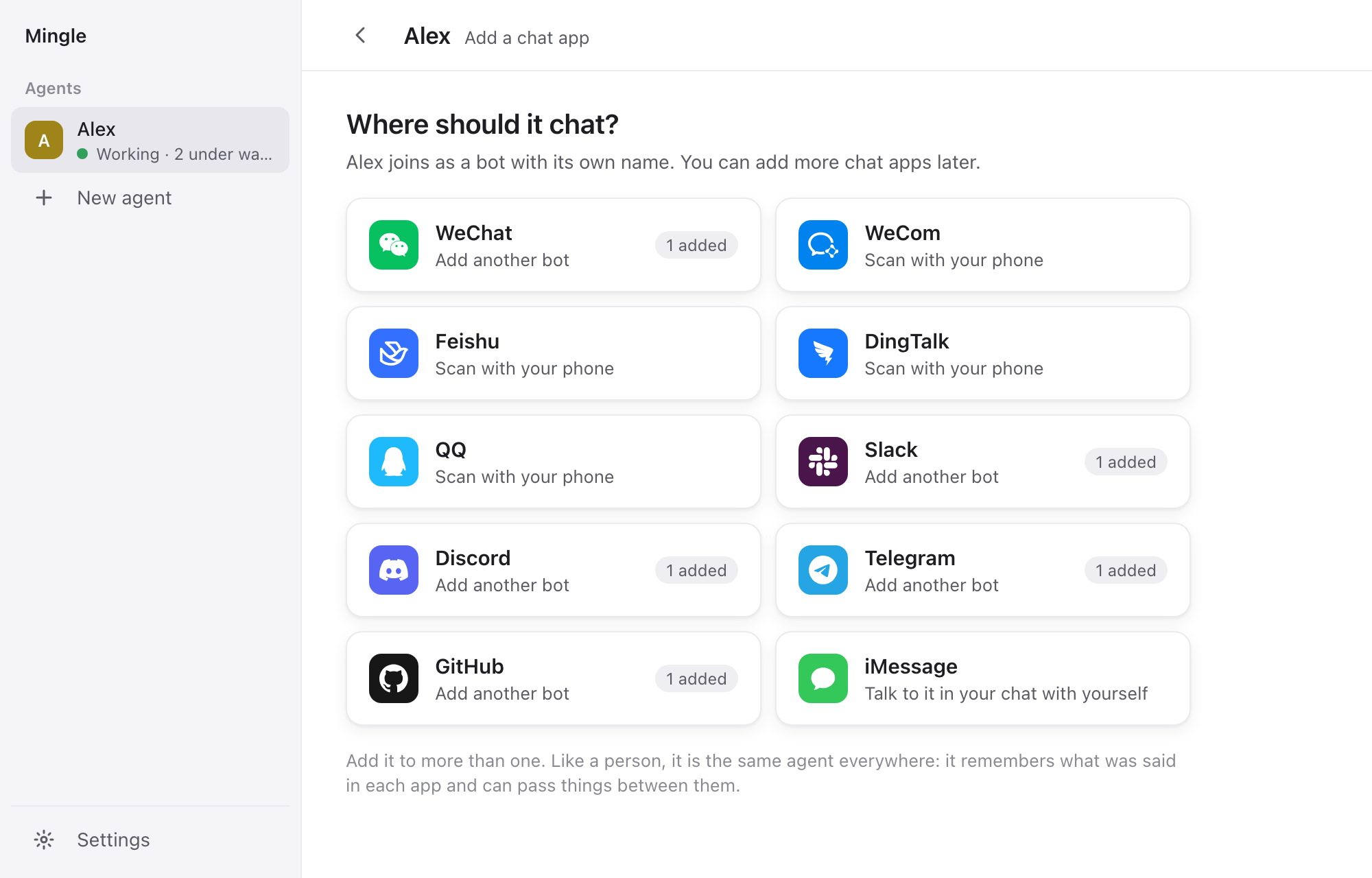
Give your local coding agent its own GitHub account and @-mention it in issues, pull requests and inline review comments. Polls GitHub directly from your machine—no webhook, no GitHub App server.
How it connects
Zero cloud server. Minutes to set up.
- 1
Sign in the agent's own GitHub account
Pick GitHub in the Mingle console and authorize the agent's dedicated GitHub account via device code (or a classic personal access token with notifications and repo scopes).
- 2
Poll notifications locally with zero webhook
Mingle saves the token in your OS keychain and polls the official GitHub Notifications API with ETag caching from your computer—no public URL or server to host.
- 3
@-mention your agent in issues, PRs and reviews
Tag @your-agent in an issue, PR or inline code review thread. It reacts to acknowledge, runs on your local machine, and replies right inside the same issue or review thread.
What works
Built for issues, pull requests and code review.
Zero webhook, ETag-friendly polling
Polls GitHub's official REST Notifications API with ETag headers so idle checks cost zero rate limit—no webhook server, no ngrok, and no hosted CI runner needed.
Inline PR review threads stay in thread
When you @-mention the agent on a specific diff line in a pull request review, its reply lands right back inside that exact inline review thread.
Trusted repo roles only (anti-abuse by design)
On public or private repositories, Mingle only wakes the agent for comments from repository OWNER, MEMBER or COLLABORATOR accounts—drive-by mentions from strangers are ignored.
Same memory as your team's chat apps
Your agent in GitHub is the exact same agent in Slack, Discord, Feishu, Telegram or WeChat—so a discussion in chat carries straight into the PR without re-explaining.
Questions
Common questions.
- Do I need to host a GitHub App webhook server?
- No. Mingle polls the GitHub REST Notifications API directly from your computer using conditional ETag requests, so no public webhook endpoint is needed.
- What stops random people on a public repo from triggering my local agent?
- Mingle checks each commenter's author_association and only acts on mentions from repository OWNER, MEMBER or COLLABORATOR accounts. Everyone else on a public repo is ignored.
- Why does the agent use its own GitHub account?
- Using a dedicated machine account keeps @-mentions unambiguous, avoids self-notification loops, and makes it obvious in issue and PR history which comments came from the agent.
More chat apps
One agent, every chat app.
The same local agent keeps one long-lived memory across every chat app you connect—ask in one app about what happened in another.
See full overview → · Claude Code · Codex · OpenCode · Kimi Code · Security · Compare

One agent. Every chat app.
Free and open source, on your own computer. For macOS, Windows and Linux.
See this release's notes for signing details and installation instructions. Release notes →