Mingle for WeChat
Claude Code & Codex in WeChat.
QR scan, no server.
Scan a QR code in Mingle to chat directly with your local coding agent in WeChat. Uses the official bot channel with local long polling—no cloud relay, no extra account, and one shared memory.
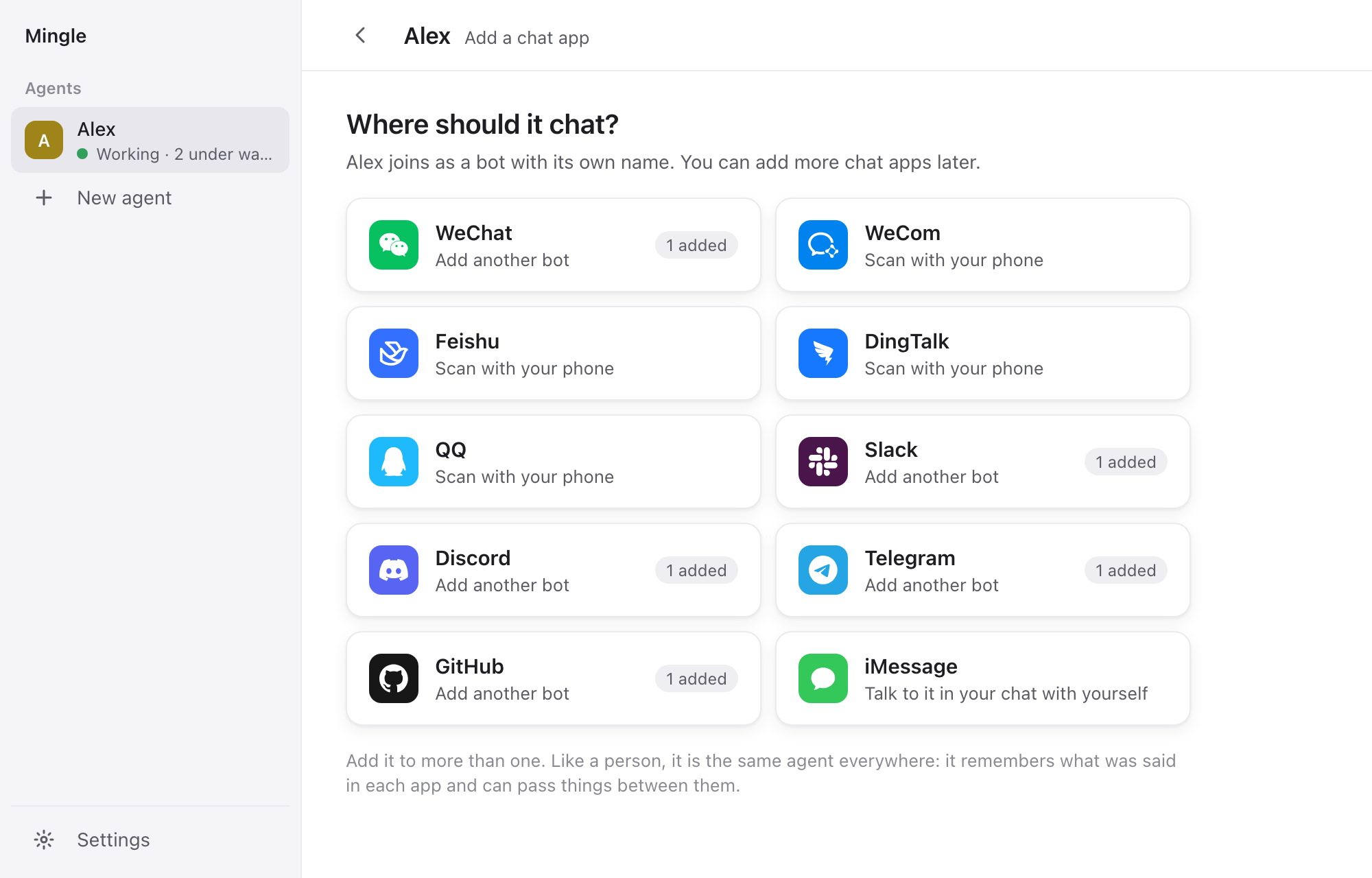
How it connects
Zero cloud server. Minutes to set up.
- 1
Click Connect WeChat in Mingle
Open your agent in the Mingle desktop app or local console and pick WeChat to generate an official login QR code.
- 2
Scan with WeChat on your phone
Confirm on your phone. Mingle stores the bot token in your OS keychain and long-polls directly from your computer with zero middleman server.
- 3
Message your agent directly in WeChat
Whoever scanned the QR code becomes the owner. Send text or files in WeChat—and ask your agent about work from Feishu, Slack, Discord or GitHub thanks to its shared local memory.
What works
Your local coding agent, right in WeChat.
Official bot channel, zero cloud relay
Mingle connects straight from your computer over long polling—no third-party cloud bridge and no Mingle backend seeing your WeChat messages.
One-minute QR setup
Scan once in WeChat to bind the bot and claim ownership automatically. Credentials stay inside the macOS Keychain, Windows DPAPI or Linux Secret Service.
Typing status and two-way file transfer
See when your agent is working and exchange documents, images or generated files directly in your WeChat chat.
Ask in WeChat about Feishu, Slack or GitHub
Because one agent shares one ROLE.md and MEMORY.md across every platform, you can check on work discussions from other apps right inside WeChat.
Questions
Common questions.
- Does Mingle send my WeChat messages through a Mingle server?
- No. Mingle has no server, no account and no telemetry. It runs on your own machine and long-polls the official bot interface directly.
- Does WeChat support direct messages or group chats?
- The official WeChat bot channel connects direct 1-on-1 messages with your agent, including typing indicators and file uploads/downloads. For team group chats, connect the same agent to Feishu, WeCom, DingTalk, Slack, Discord or Telegram—all sharing one memory.
- Do I need to pay extra to use Claude Code or Codex in WeChat?
- No. Mingle is free and MIT open source. It drives the coding agent harness and subscription (or API key) you already use locally.
More chat apps
One agent, every chat app.
The same local agent keeps one long-lived memory across every chat app you connect—ask in one app about what happened in another.
See full overview → · Claude Code · Codex · OpenCode · Kimi Code · Security · Compare

One agent. Every chat app.
Free and open source, on your own computer. For macOS, Windows and Linux.
See this release's notes for signing details and installation instructions. Release notes →