Mingle for DingTalk
Claude Code & Codex in DingTalk.
Stream mode, no server.
Scan a QR code in DingTalk to register a bot and connect your local coding agent over official DingTalk Stream. Live AI progress cards, reactions, and files—no public webhook needed.
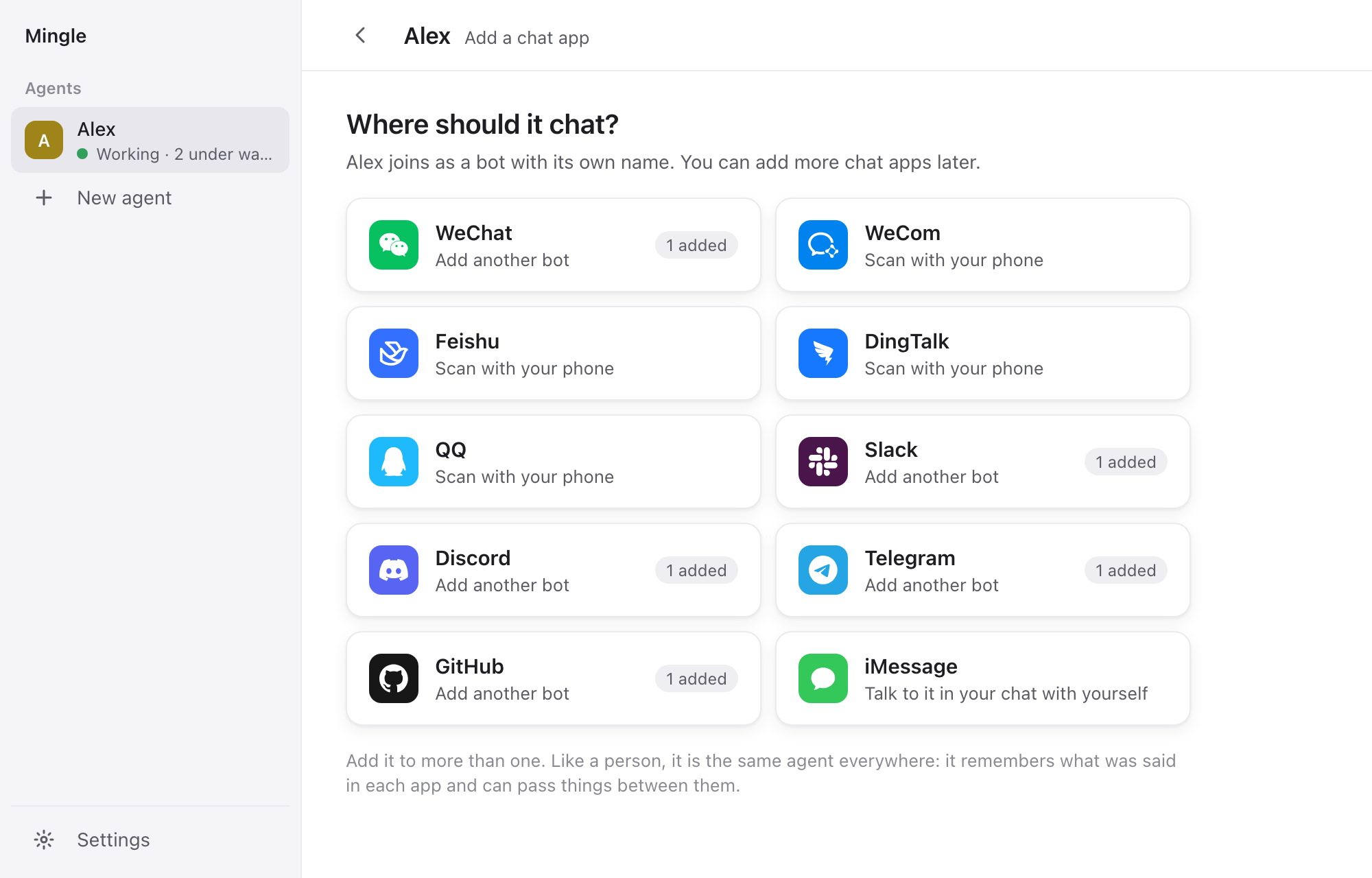
How it connects
Zero cloud server. Minutes to set up.
- 1
Scan with DingTalk to register the bot
Pick DingTalk in the Mingle console and scan the QR code (or open the desktop link) to finish official device registration without manually wiring callback URLs.
- 2
Connect via DingTalk Stream from your machine
Mingle stores the app credentials only in your OS keychain and opens an outbound DingTalk Stream WebSocket—no VPS, no public domain, no tunnel.
- 3
Chat in DingTalk DMs or @ in groups
Whoever scans becomes the owner. Send text, voice transcripts, screenshots or files up to 20 MB and track progress live inside DingTalk AI cards.
What works
Native DingTalk Stream, live AI cards.
DingTalk Stream, no public webhook
Receives messages over the official DingTalk Stream client straight on your computer—no cloud host or public HTTPS endpoint to maintain.
Live AI cards and message reactions
Your agent reacts immediately when a message arrives and streams live markdown updates through DingTalk's AI card while long tasks run on the side.
Direct chats, groups and two-way files
Supports 1-on-1 messages and @-mentions in DingTalk groups, plus receiving and sending images and files up to 20 MB.
One local agent across every app
Keep the same agent in DingTalk, WeChat, Feishu, Slack and GitHub with one local memory and your existing coding agent subscription.
Questions
Common questions.
- Does DingTalk require a public server or HTTPS callback?
- No. Mingle connects through DingTalk Stream (outbound WebSocket), so everything runs on your own machine with no exposed ports.
- Can the agent send and receive files in DingTalk?
- Yes. Mingle downloads incoming files and images for your local agent and uploads images and files up to 20 MB back into DingTalk chats.
- Which coding agents can drive my DingTalk bot?
- Any of the 14 harnesses supported via OAR, including Claude Code, Codex, OpenCode and Kimi Code (tested end to end), using the subscription or API key you already have.
More chat apps
One agent, every chat app.
The same local agent keeps one long-lived memory across every chat app you connect—ask in one app about what happened in another.
See full overview → · Claude Code · Codex · OpenCode · Kimi Code · Security · Compare

One agent. Every chat app.
Free and open source, on your own computer. For macOS, Windows and Linux.
See this release's notes for signing details and installation instructions. Release notes →