Mingle for Slack
Claude Code & Codex in Slack.
No cloud server.
Connect the coding agent on your own computer to your Slack workspace over official Socket Mode. No public URL, no third-party relay, and no extra model bill.
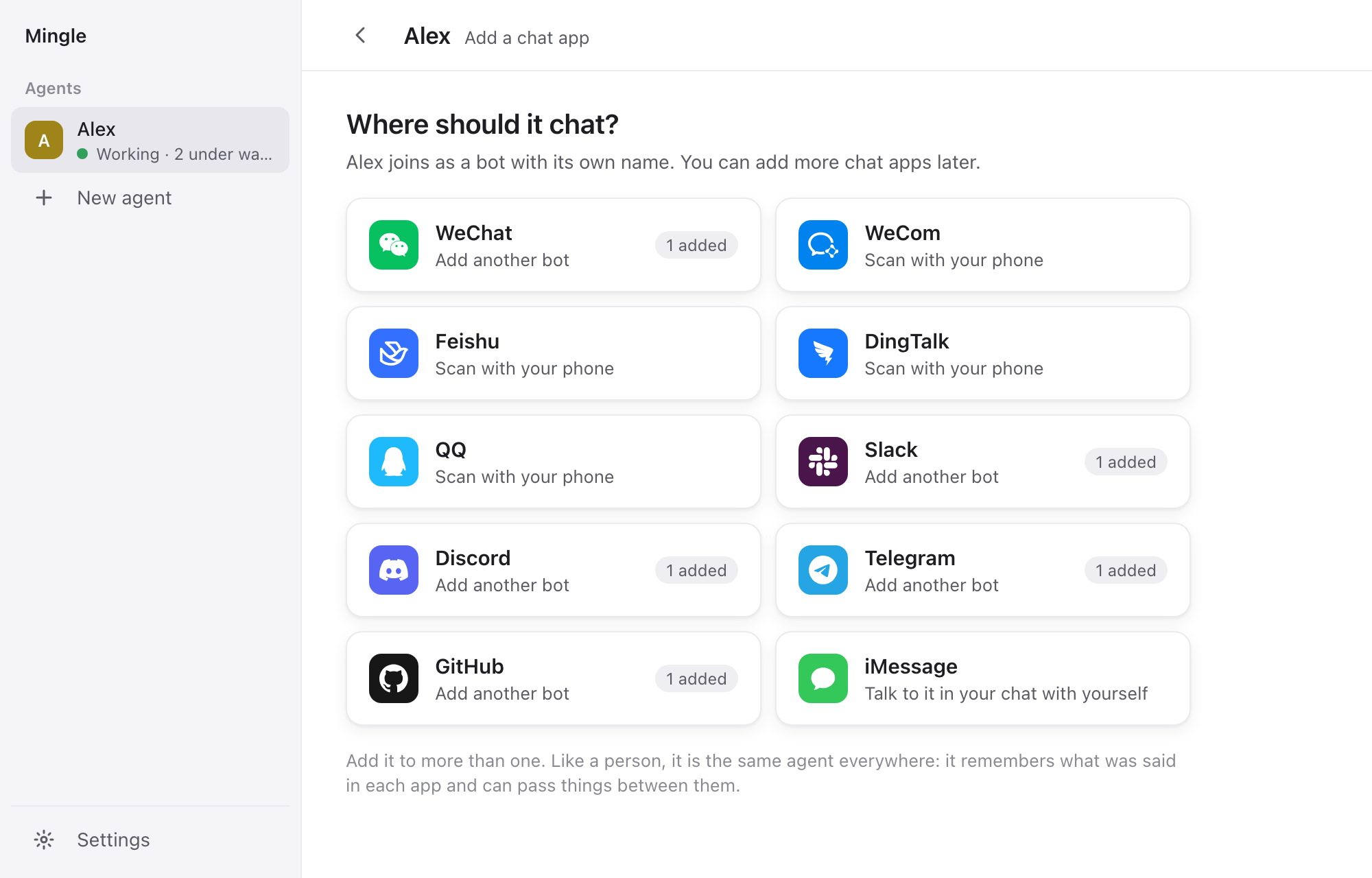
How it connects
Zero cloud server. Minutes to set up.
- 1
Create the Slack app from a pre-filled manifest
Pick Slack in the Mingle console and open the pre-filled Slack App Manifest link. Permissions, Socket Mode and bot events are already configured for your agent.
- 2
Paste the Bot Token and App-Level Token
Mingle verifies both tokens locally, stores them only in the macOS Keychain, Windows DPAPI or Linux Secret Service, and opens an outbound WebSocket to Slack.
- 3
Invite your agent to channels or DM it
Mention @Alex in any channel or send a direct message. Claim ownership with the 6-digit code in the console, and your local Claude Code or Codex session starts replying right in Slack.
What works
Built for how teams use Slack.
Socket Mode, zero public server
Mingle initiates an outbound WebSocket to Slack from your computer. There is no webhook endpoint to host, no reverse proxy, and no Mingle cloud relay.
Threads, reactions and live replies
Your agent acknowledges messages with a reaction, works on longer tasks on the side, and replies back under the original Slack thread without blocking quick questions.
Files in and out
Send logs, screenshots or specs in Slack and let your local coding agent read them on disk—or send generated files and diffs back into the channel.
One shared memory across apps
The same agent in Slack can also live in Discord, Telegram, Feishu, WeChat or GitHub with one local memory (ROLE.md, MEMORY.md and notes/).
Questions
Common questions.
- Do I need a public URL, webhook or ngrok to connect Slack?
- No. Mingle uses Slack Socket Mode, so your machine opens an outbound WebSocket directly to Slack. No public server or tunnel is required.
- Where are my Slack tokens and chat history stored?
- Your Bot Token and App-Level Token are stored only in your operating system keychain (macOS Keychain, Windows DPAPI or Linux Secret Service). Agent memory and local logs stay on your own disk.
- Can I use my existing Claude Code or Codex subscription in Slack?
- Yes. Mingle drives whichever local harness you already have signed in—Claude Code, Codex, OpenCode, Kimi Code and 10 more via OAR—without adding a model markup.
More chat apps
One agent, every chat app.
The same local agent keeps one long-lived memory across every chat app you connect—ask in one app about what happened in another.
See full overview → · Claude Code · Codex · OpenCode · Kimi Code · Security · Compare

One agent. Every chat app.
Free and open source, on your own computer. For macOS, Windows and Linux.
See this release's notes for signing details and installation instructions. Release notes →