

Mingle + OpenCode
OpenCode in every chat app.
Open source, no server.
Pair open-source OpenCode with MIT-licensed Mingle to bring your local coding agent into Slack, Discord, Telegram, WeChat, Feishu, GitHub and iMessage—with zero cloud bridge.
Quick start
Up and running in a minute.
- 1
Install Mingle alongside OpenCode
Run the desktop app or CLI installer on macOS, Windows or Linux. Mingle discovers OpenCode on your computer automatically and lists its available models.
- 2
Create an agent backed by OpenCode
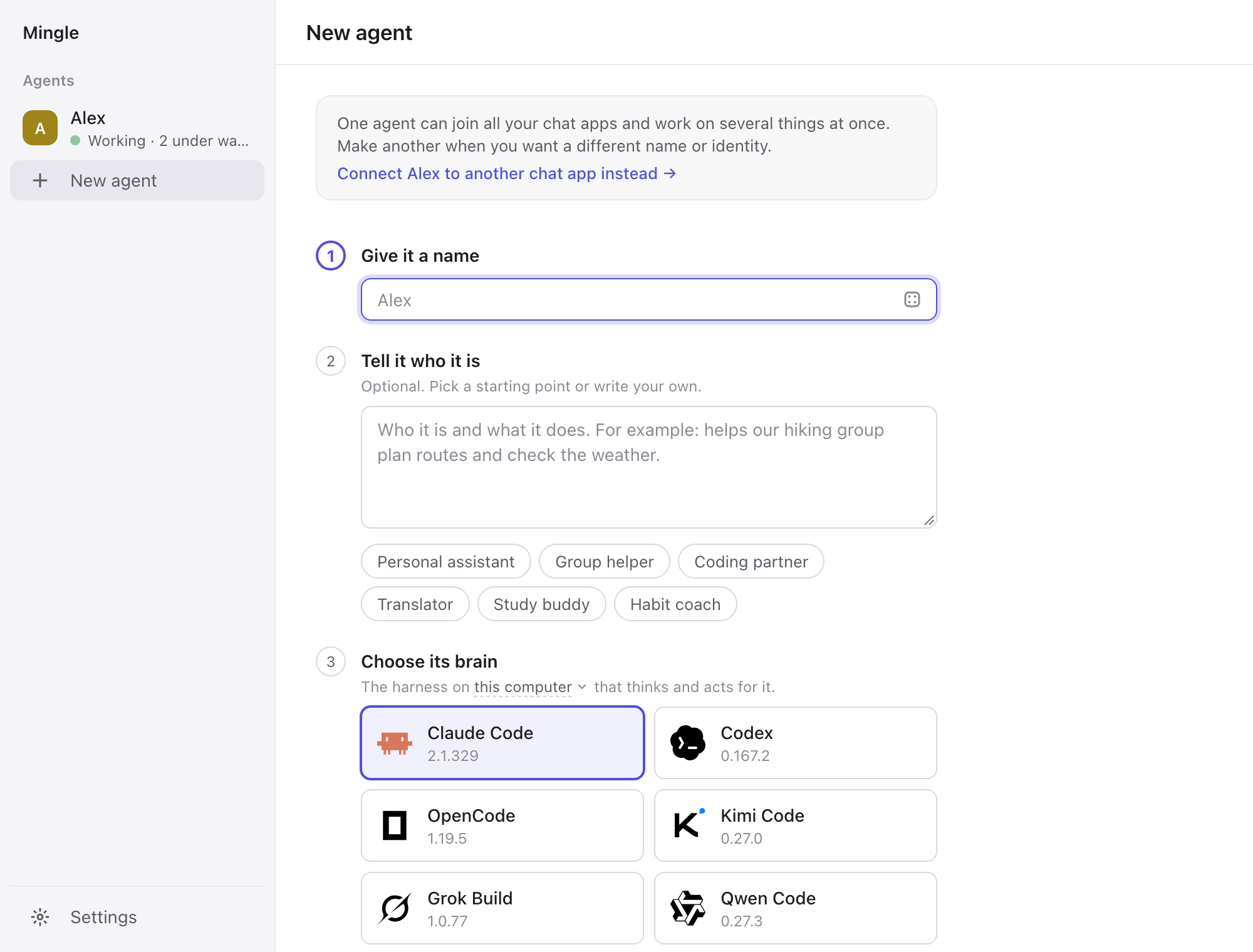
Give it a name, a role and a local home folder. OpenCode runs with whichever model provider you already configured locally.
- 3
Join your favorite chat apps without a server
Connect Discord, Slack, Telegram, Feishu, WeChat, GitHub or iMessage over official local connections—no webhook host or third-party relay.
mingle agent create --name Alex --harness opencode --role "You help maintain our open-source repos."Why Mingle
An end-to-end open-source stack from terminal to chat.
Bring any model OpenCode supports
Mingle delegates model calls entirely to OpenCode, so whatever providers, keys or local models you configure in OpenCode work automatically across all 10 chat platforms.
One shared memory across every channel
Your OpenCode agent keeps one ROLE.md, MEMORY.md and notes/ folder whether you talk to it in Discord, Slack, Telegram, Feishu or GitHub.
Reminders with local shell checks
Set a reminder with `--check <command>` and Mingle runs the check locally, waking OpenCode only when CI, a release or a web page actually changes.
MIT licensed, zero telemetry
Both Mingle and OpenCode keep your workflow transparent, auditable and strictly on your own machine.
Chat apps
Use it in every chat app you already have.
Connect one or more platforms to the same local agent—one long-lived session and one shared memory across all of them.
Questions
Common questions.
- Has Mingle been tested end to end with OpenCode?
- Yes. OpenCode is one of the four harnesses tested end to end alongside Claude Code, Codex and Kimi Code.
- Does Mingle restrict which LLM providers OpenCode can use?
- No. Mingle drives OpenCode through OAR and lets you pick from the models OpenCode exposes on your machine.
- Do I need a VPS to connect OpenCode to Discord or Telegram?
- No. Mingle runs on your own computer and connects outbound over the official Discord Gateway and Telegram long-polling APIs.
Other verified harnesses
Switch brains anytime.
Mingle supports 14 coding agent harnesses through OAR and lets each agent choose or change its harness and model anytime.



One agent. Every chat app.
Free and open source, on your own computer. For macOS, Windows and Linux.
See this release's notes for signing details and installation instructions. Release notes →