Mingle for Discord
Claude Code & Codex in Discord.
No cloud server.
Bring your local coding agent into Discord servers and direct messages over the official Discord Gateway. Native threads, owner approval for strangers, and zero relay server.
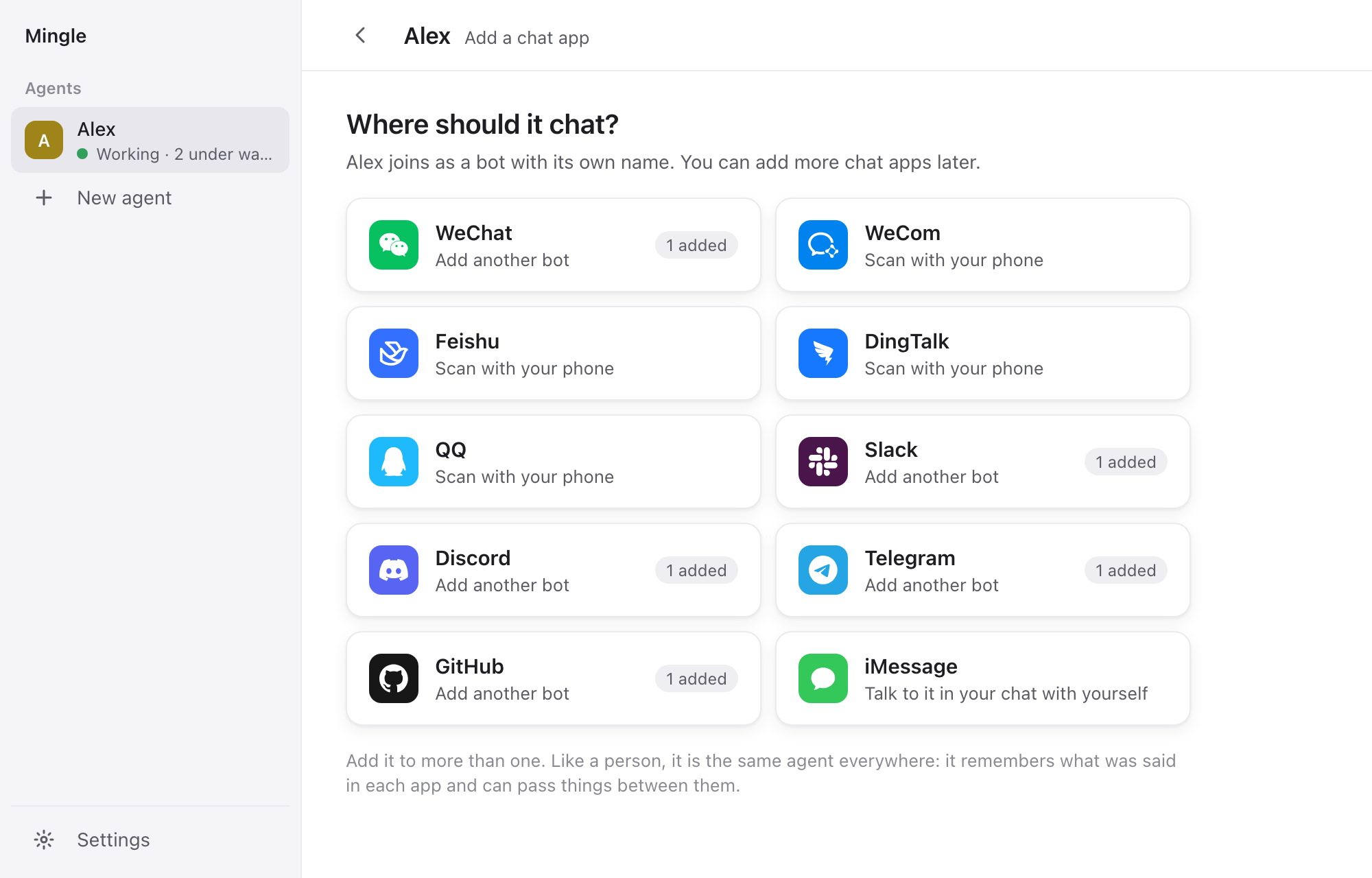
How it connects
Zero cloud server. Minutes to set up.
- 1
Create a bot in the Discord Developer Portal
Create an application, enable Message Content Intent, and invite the bot to your server with channel and thread permissions.
- 2
Paste the bot token into Mingle
Mingle stores the token in your OS keychain and connects outbound to the Discord Gateway WebSocket—no hosting, no webhook, no public IP.
- 3
Claim ownership and approve who can talk to it
Send the 6-digit claim code to become the owner. Because anyone can find a Discord bot, new people and servers wait for your approval before your agent acts for them.
What works
Made for Discord servers and DMs.
Native Discord threads for long jobs
Hand your agent a longer coding or research task and it opens a thread under your message for progress and follow-ups, while keeping the main channel responsive.
Owner approval on a public platform
New users and new servers cannot run your local agent until you explicitly approve them in the Mingle console.
Typing indicators, reactions and files
Full support for quote replies, emoji reactions, typing indicators, @-mentions, and two-way file uploads and downloads.
Same agent across Discord and other chats
Ask your agent in Discord about a note from Slack, Telegram or GitHub—every channel shares one local session and plain-text Markdown memory.
Questions
Common questions.
- Can strangers on Discord use my local coding agent?
- No. On public apps like Discord, Telegram and QQ, every new person or server waits for your explicit approval before the agent responds or runs tasks for them.
- Does Mingle require hosting a Discord bot on a VPS?
- No. Mingle runs on your own macOS, Windows or Linux machine and connects outbound over the Discord Gateway. If you want 24/7 uptime, you can also run it on your own machine or SSH host.
- Does the Discord bot support threads and file attachments?
- Yes. Mingle supports native Discord public threads for parallel tasks, quoted replies, reactions, typing indicators, and sending or receiving files.
More chat apps
One agent, every chat app.
The same local agent keeps one long-lived memory across every chat app you connect—ask in one app about what happened in another.
See full overview → · Claude Code · Codex · OpenCode · Kimi Code · Security · Compare

One agent. Every chat app.
Free and open source, on your own computer. For macOS, Windows and Linux.
See this release's notes for signing details and installation instructions. Release notes →