Mingle for iMessage
Claude Code & Codex in iMessage.
Local on your Mac.
Text yourself in Apple Messages from your iPhone, iPad or Mac and get answers from the coding agent running on your Mac. Uses your own Apple ID locally—zero cloud bridge.
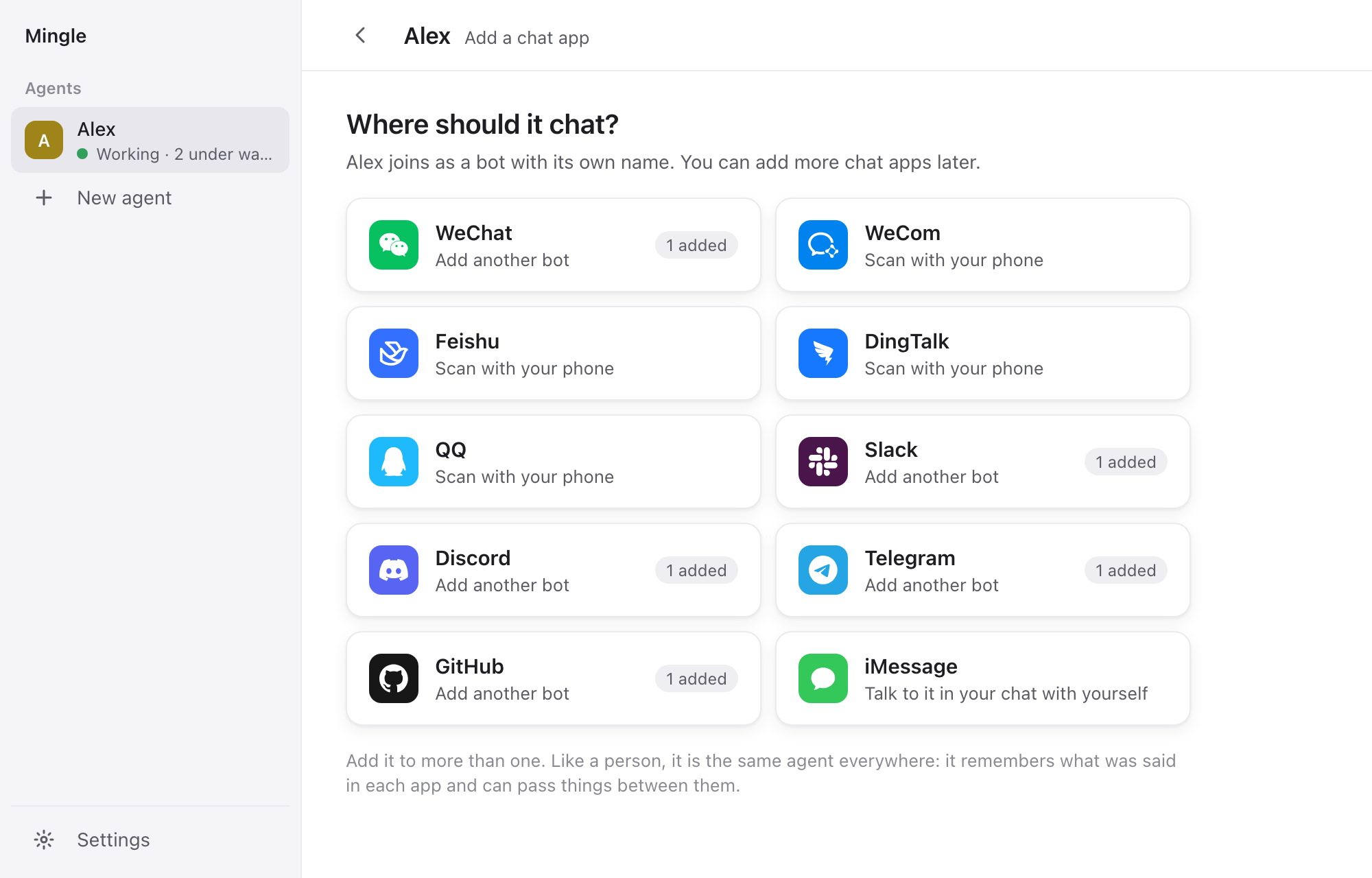
How it connects
Zero cloud server. Minutes to set up.
- 1
Choose iMessage in Mingle on your Mac
Open your agent in the Mingle desktop app on macOS and select iMessage. Mingle detects the iMessage accounts already signed in to Apple Messages.
- 2
Grant two standard macOS permissions
Allow Full Disk Access so Mingle can read ~/Library/Messages/chat.db read-only, and allow Automation so Mingle can send replies through Messages.app.
- 3
Text yourself from iPhone, iPad or Mac
Open your chat with yourself in Messages and ask anything. Because iCloud syncs your self-chat across Apple devices, you can reach your local coding agent from your phone anywhere.
What works
Private self-chat, zero cloud bridge.
No unofficial cloud relay
iMessage has no official bot API, so Mingle never asks for your Apple ID password or routes messages through a third-party bridge. Everything runs locally on your Mac.
Reach your Mac from iPhone or iPad
Text your own Apple ID from your pocket and let Claude Code or Codex on your Mac run tasks, check files, set reminders and reply right back in Messages.
Self-chat only, no accidental group spam
Mingle listens only to your conversation with yourself on your own Apple ID, keeping personal iMessage threads with friends and family completely untouched.
Shared memory with your work chat apps
Ask in iMessage what your agent summarized in Slack, Feishu or Discord earlier—it is the same agent with the same ROLE.md and MEMORY.md on your Mac.
Questions
Common questions.
- Does Mingle need my Apple ID password?
- Never. Mingle works through the Apple Messages app already signed in on your Mac, reading the local Messages database read-only and sending via macOS Automation.
- Can I use iMessage with Mingle from my iPhone?
- Yes. As long as Mingle is running on your Mac and iMessage is synced with your Apple ID, texting yourself from your iPhone or iPad reaches your local agent on the Mac.
- Does Mingle message other contacts in my iMessage?
- No. Mingle only operates in your self-chat on your own Apple ID, never sending unsolicited messages to other people in your Messages app.
More chat apps
One agent, every chat app.
The same local agent keeps one long-lived memory across every chat app you connect—ask in one app about what happened in another.
See full overview → · Claude Code · Codex · OpenCode · Kimi Code · Security · Compare

One agent. Every chat app.
Free and open source, on your own computer. For macOS, Windows and Linux.
See this release's notes for signing details and installation instructions. Release notes →